01
Browser-based counter
Run the counter workflow in Bite Baba without installing a customer app or a heavy retail suite.

Store Mode
Built for grocery and food stores, departmental food stores, packaged-food shops, sweet shops, and bakeries that operate as retail stores. Keep the sale, the stock movement, and the supplier trail in one browser-based product.
The Store day
Store Mode follows the sale before and after the counter. It is not Restaurant dine-in, and it is not a generic clothing or electronics POS.
01
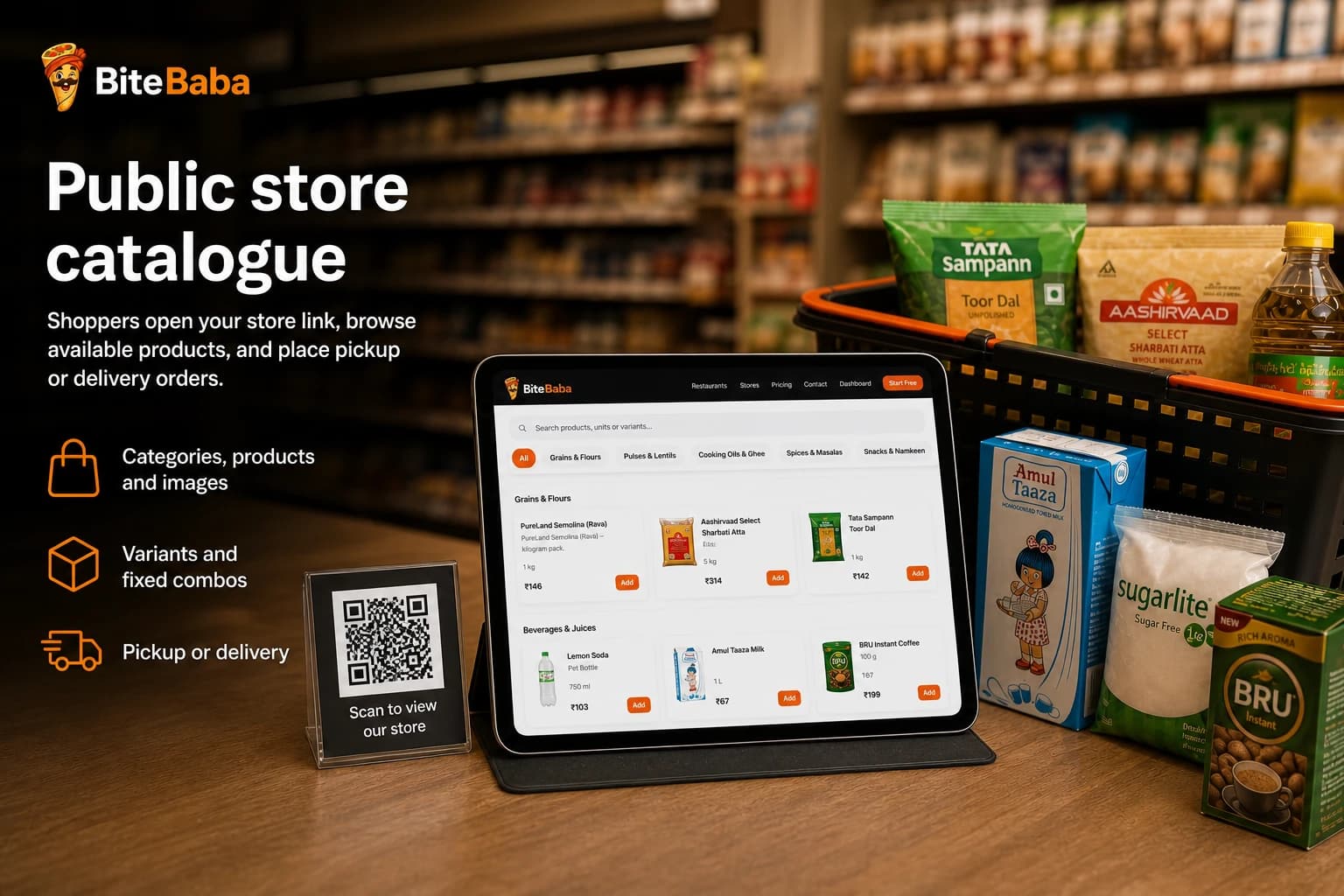
Public store link and QR. Categories, products, variants, images, and fixed combos.
02
Sell at the counter without sending the shopper to a marketplace.
03
Online pickup/delivery orders plus walk-in counter sales.
04
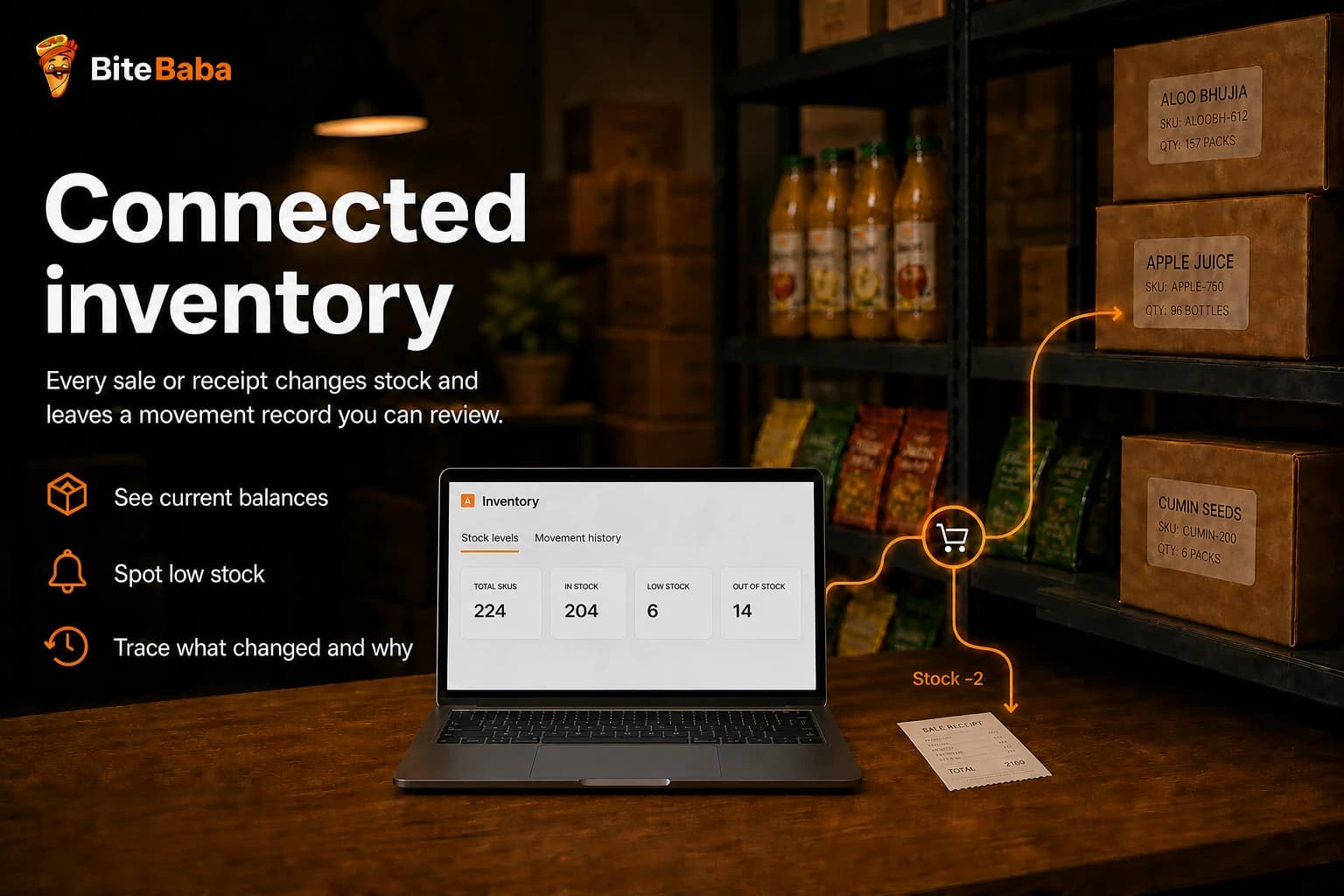
Balances, low-stock signals, and movement history — not restaurant stock guesses.
05
Suppliers, purchase orders, goods receipts, invoices, and supplier payments.
06
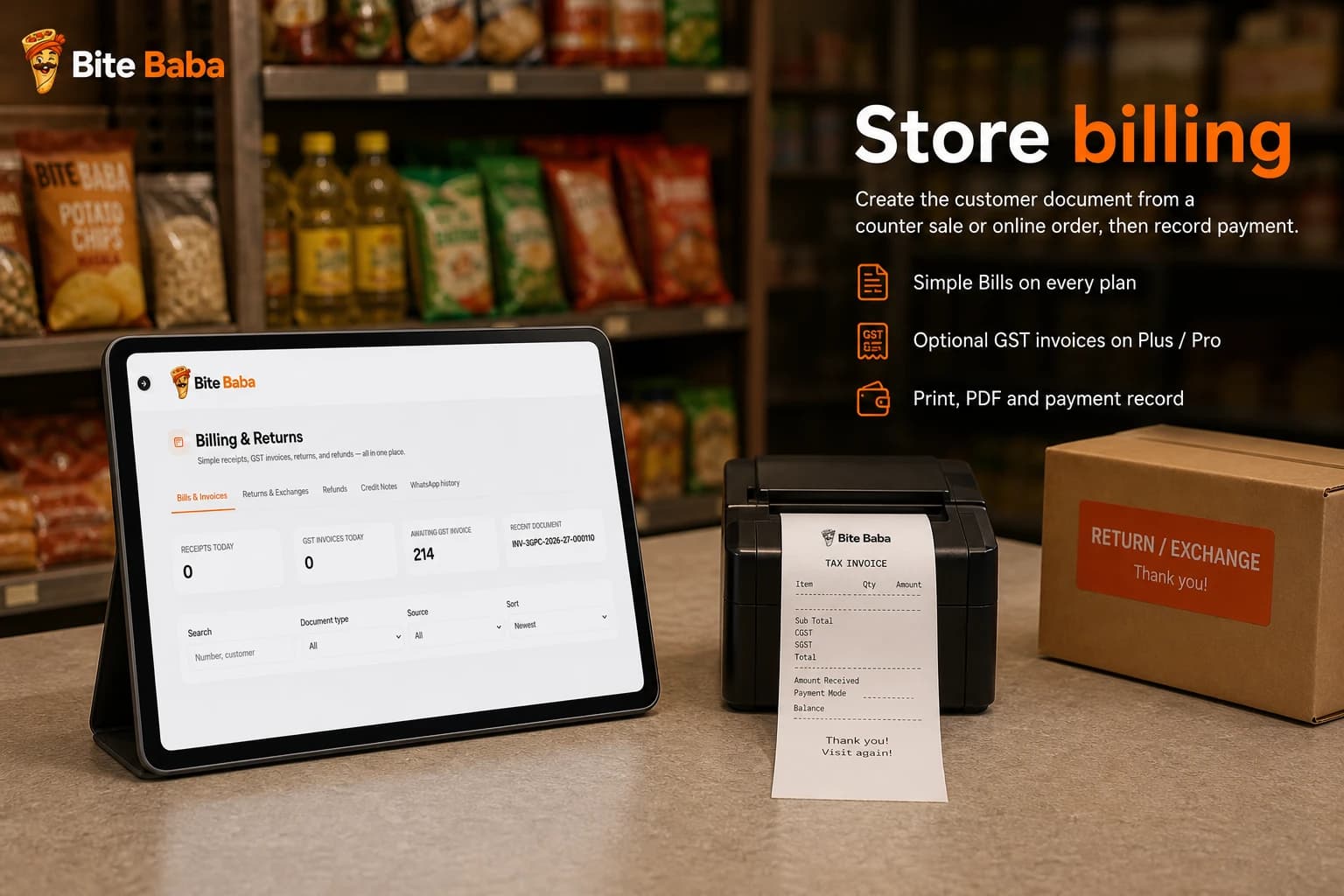
Simple Bills and optional GST invoices on Plus and Pro. Manual payment recording.
07
Directory, returns, refunds, exchanges, and optional Udhaar / customer credit.
08
Operational reports, PDF, and CSV export on Plus and Pro.
Public catalogue
Customers open the Store catalogue in the browser, browse what is available, and place pickup or delivery orders without downloading an app.
Counter sales
The browser-based counter workflow records walk-in sales alongside Store orders and connects eligible product lines to inventory.
Run the counter workflow in Bite Baba without installing a customer app or a heavy retail suite.
Sell the same food catalogue structure used across products, pack variants, and fixed combos.
Record Cash, UPI, Card, or Mixed payment where applicable. Bite Baba does not collect money online.
Tracked counter-sale lines reduce inventory and add movement history to the product record.
Inventory
Inventory is a connected ledger of balances and movements. Sales can reduce tracked stock, goods receipts can add it, adjustments explain corrections, and appropriate returns can restore it.
Procurement
Store purchasing connects suppliers, purchase orders, goods received, purchase invoices, and supplier payments. It is an operational trail, not a full accounting platform.
Procurement workflow
Purchase order
Goods receipt
Purchase invoice
Supplier payment
Trace what you ordered, what arrived, what was invoiced, and what you paid.
Billing
Store counter sales and online orders can continue into the supported billing flow, with clear outputs and manually recorded payment methods.
Returns + customer credit
A serious Store workflow continues after the bill. Handle supported returns and customer credit without losing the original sale context.
Record eligible returns against the original Store sale or order and keep the after-sale history together.
Follow the supported refund or exchange workflow instead of handling it outside the operating record.
See customer history built from Store orders, counter activity, and after-sale records.
Maintain a customer credit ledger with repayment and payment history when the business uses customer credit.
Staff + reports
Store staff permissions can be specific, while reports and exports help the owner review the operation at the right level.
Plus and Pro can add Store staff with specific operational permissions instead of one broad role.
Review Store sales, payments, inventory, purchases, customers, and other supported operating views.
Use PDF output when a durable report or document is more useful than an on-screen view.
Store CSV report export is presented for Plus and Pro; plan history windows still apply.
Open the store catalogue.
Start Free and choose Store during onboarding. One owner. One food business.